
About
Demos
Posts
Tech
Data Analytics
We are going to learn how to assign text values to variables. Think of variables as placeholders for values that can be assigned right away, or later.
(Click to enlarge)
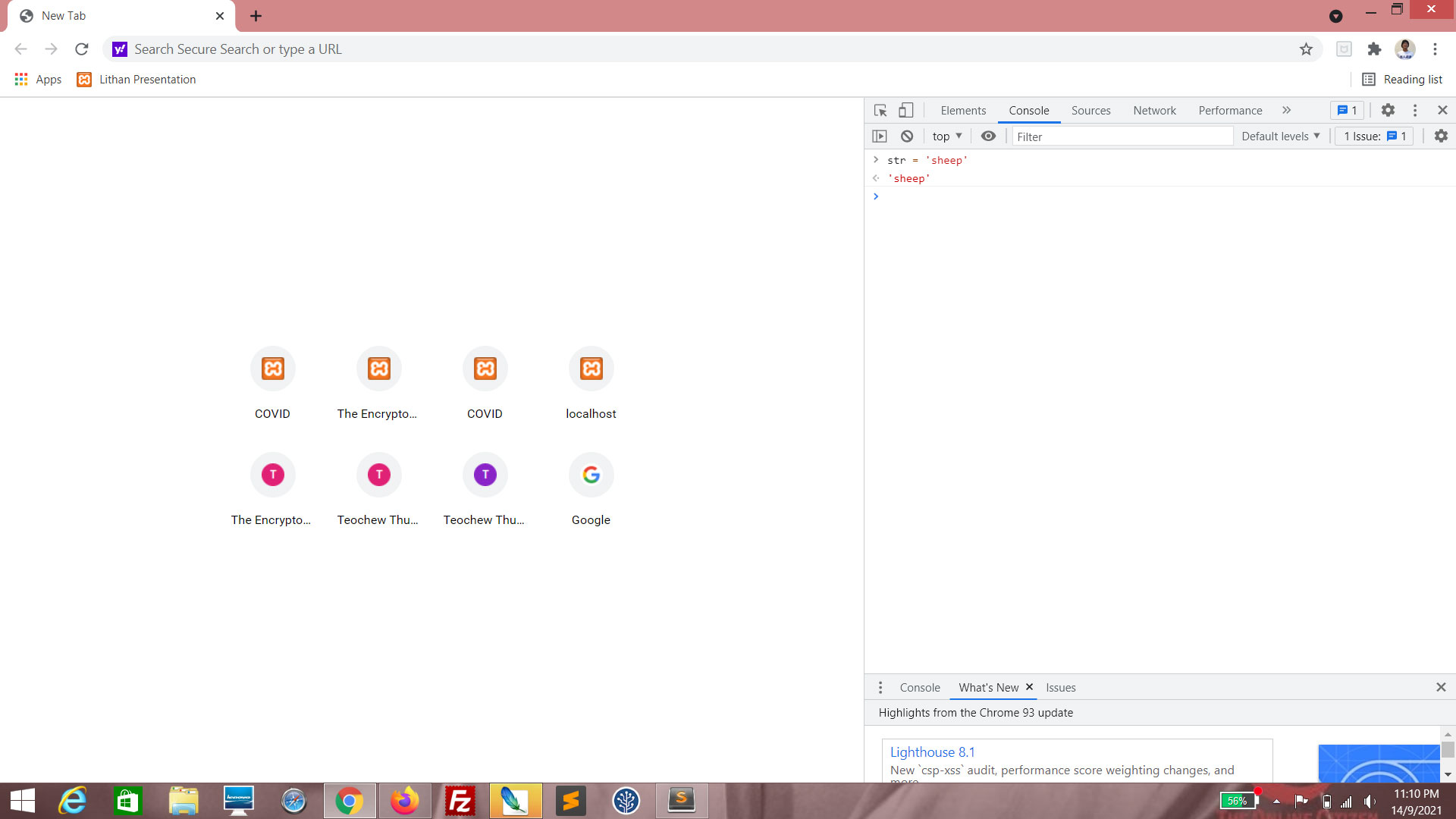
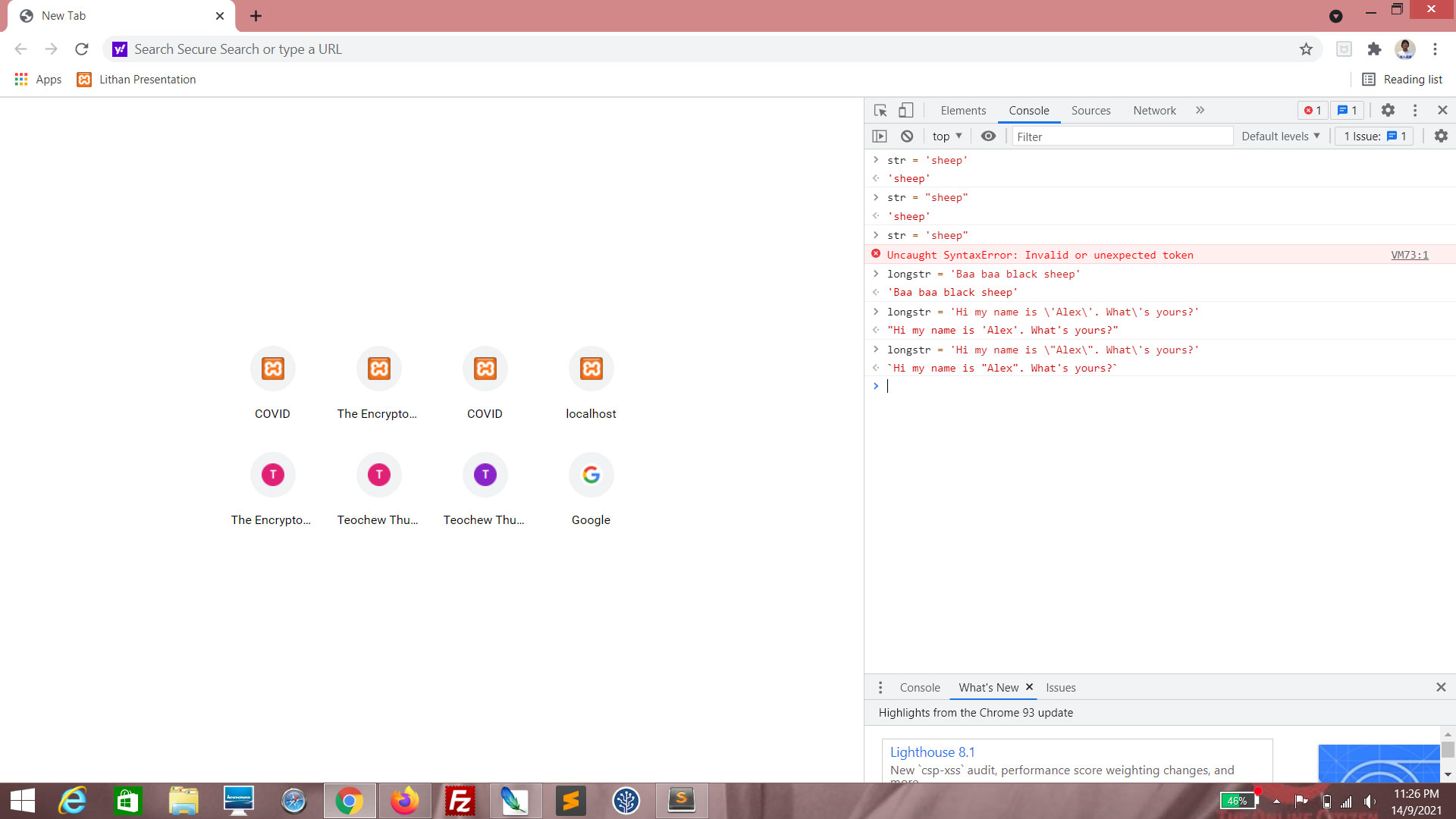
Enter str = 'sheep'. This assigns the value "sheep" to the variable str.
(Click to enlarge)
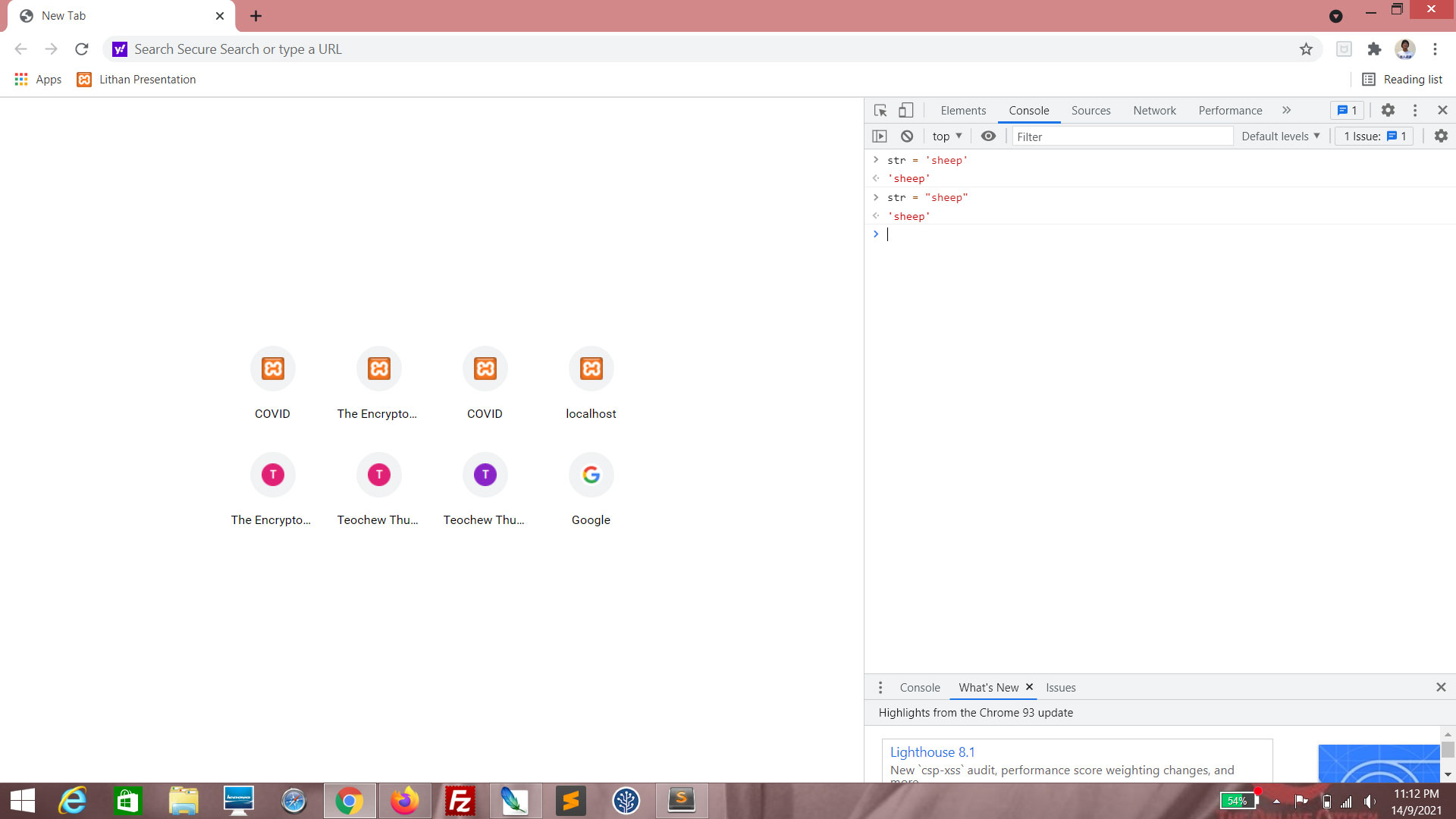
Enter str = "sheep". This also assigns the value "sheep" to the variable str. You can use either ' or ".
(Click to enlarge)
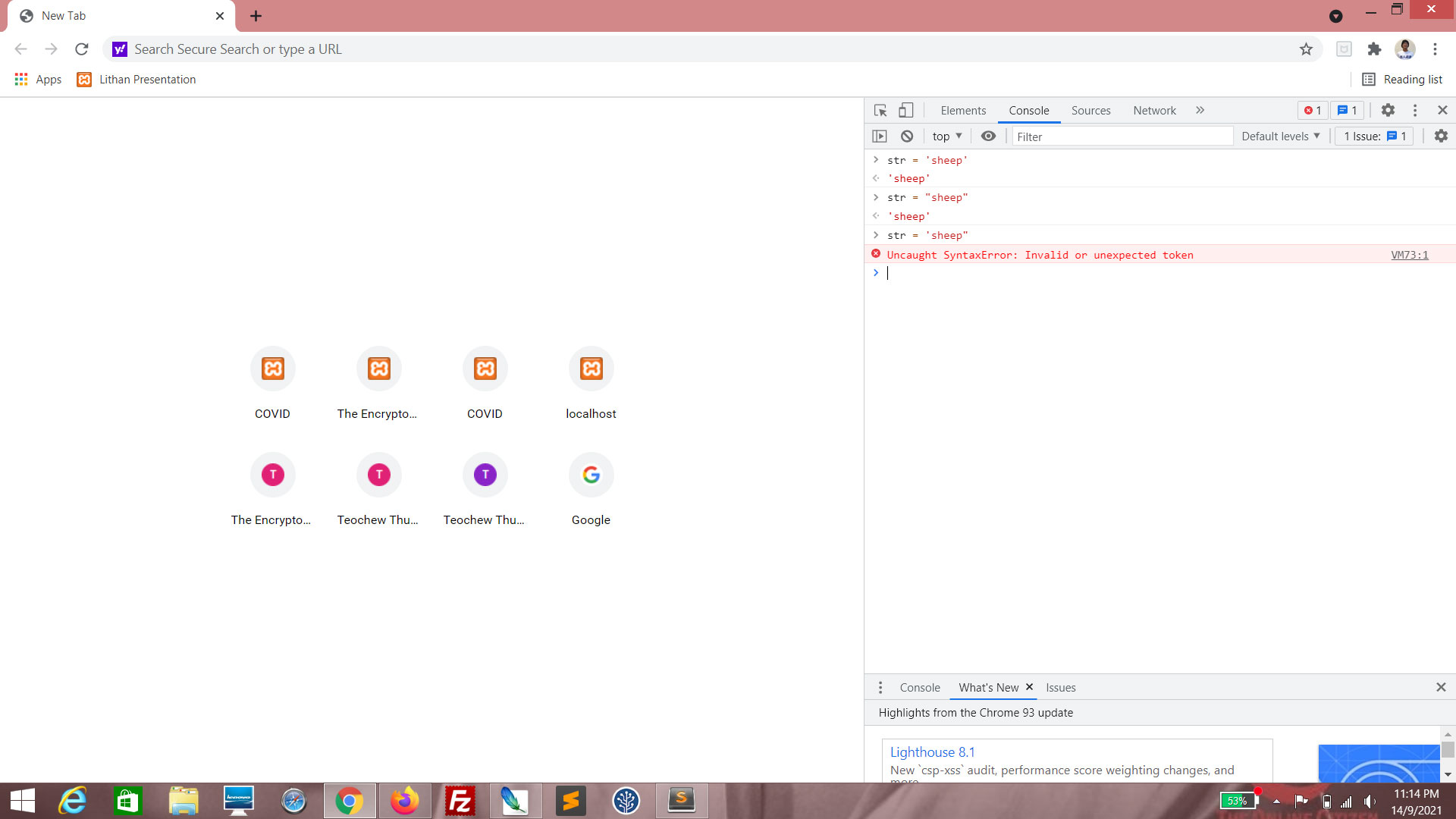
Enter str = 'sheep". This will produce an error. You can use either ' or ", but the opening symbol must match the closing symbol.
(Click to enlarge)
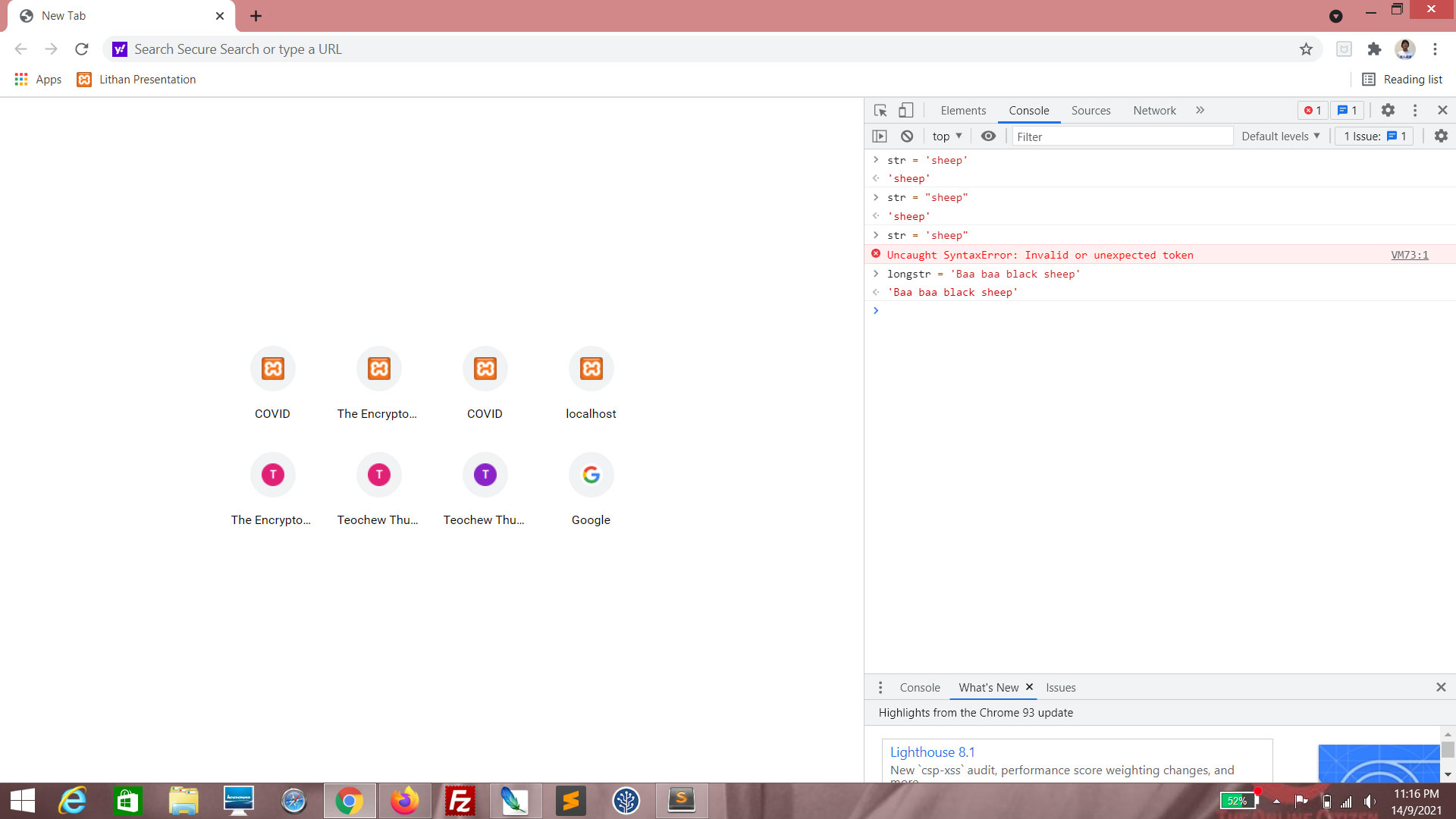
Enter longstr = 'Baa baa black sheep'. You can actually assign an entire sentence instead of just one word.
(Click to enlarge)
If you want to include special characters such as ' or " in a string value, you should escape using the \ character. Try entering longstr = 'Hi my name is \'Alex\'. What\'s yours?'. Note that you have to escape three times because the string contains three single quotes.
Also try entering longstr = 'Hi my name is \"Alex\". What\'s yours?'.
"Concatenation" basically means "joining". It's a mouthful, yes. Unfortunately, it's also common usage in the tech industry. Get used to it.
(Click to enlarge)
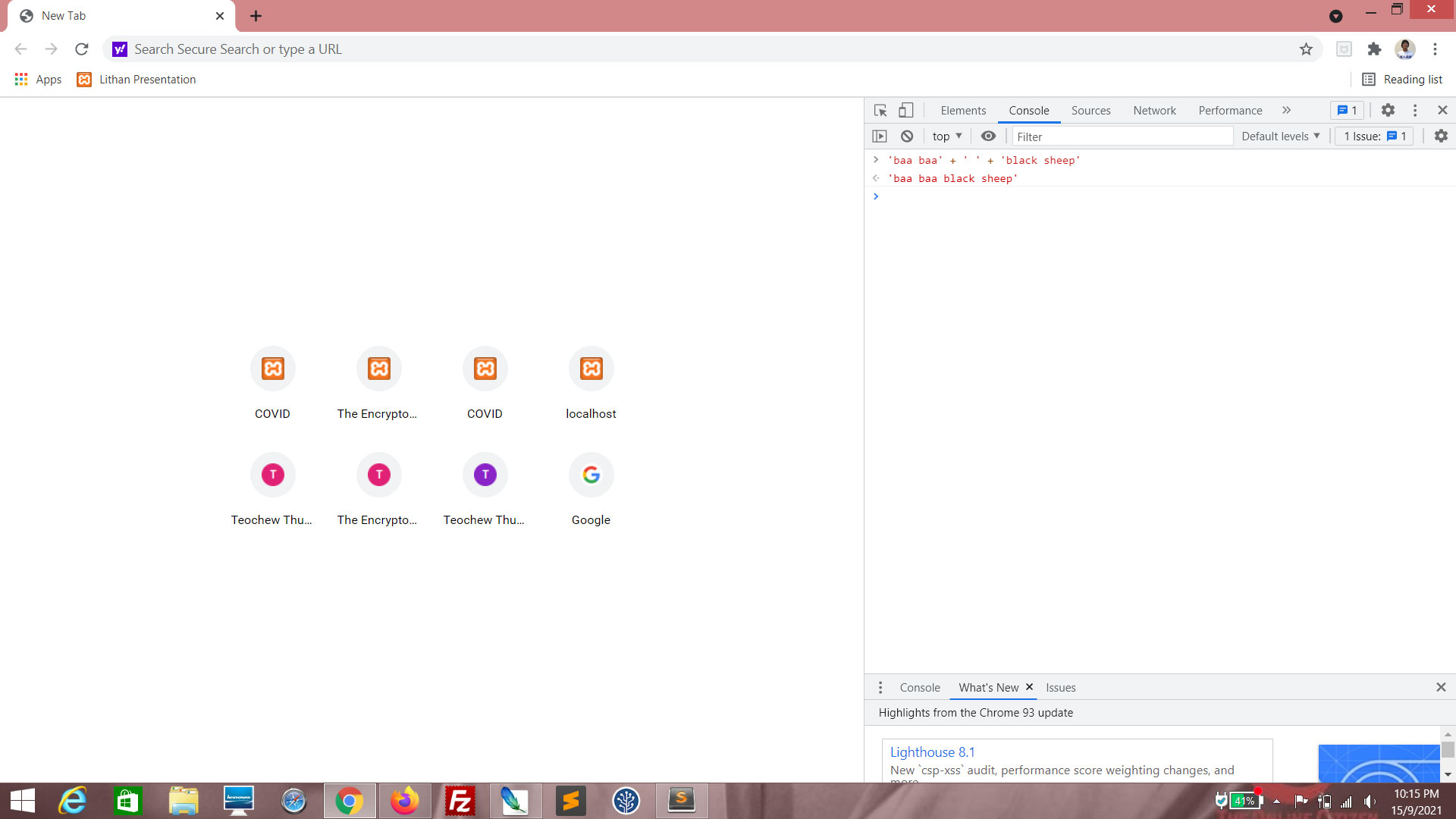
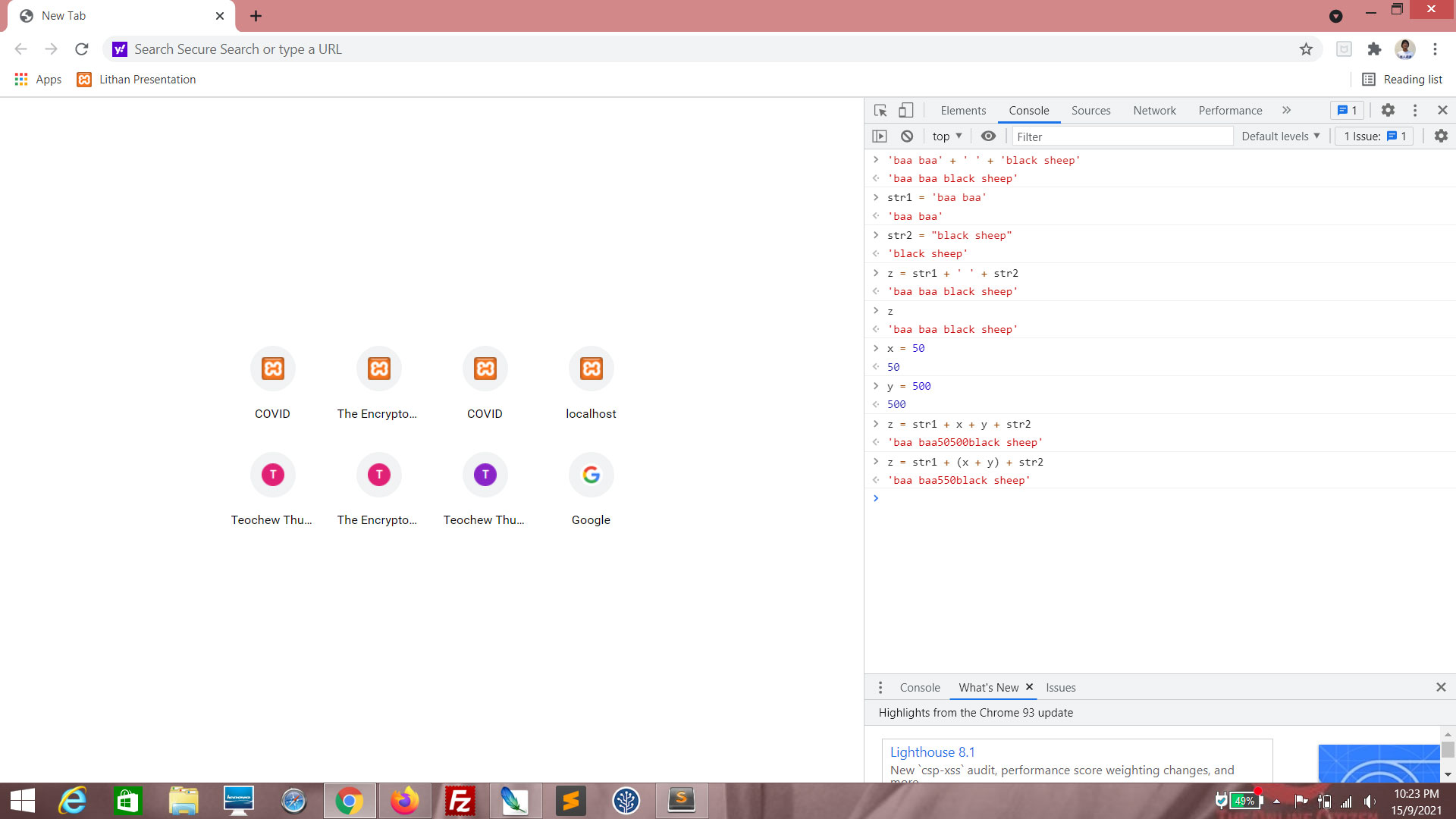
Enter 'baa baa' + ' ' + 'black sheep'. This will evaluate to an entire string.
(Click to enlarge)
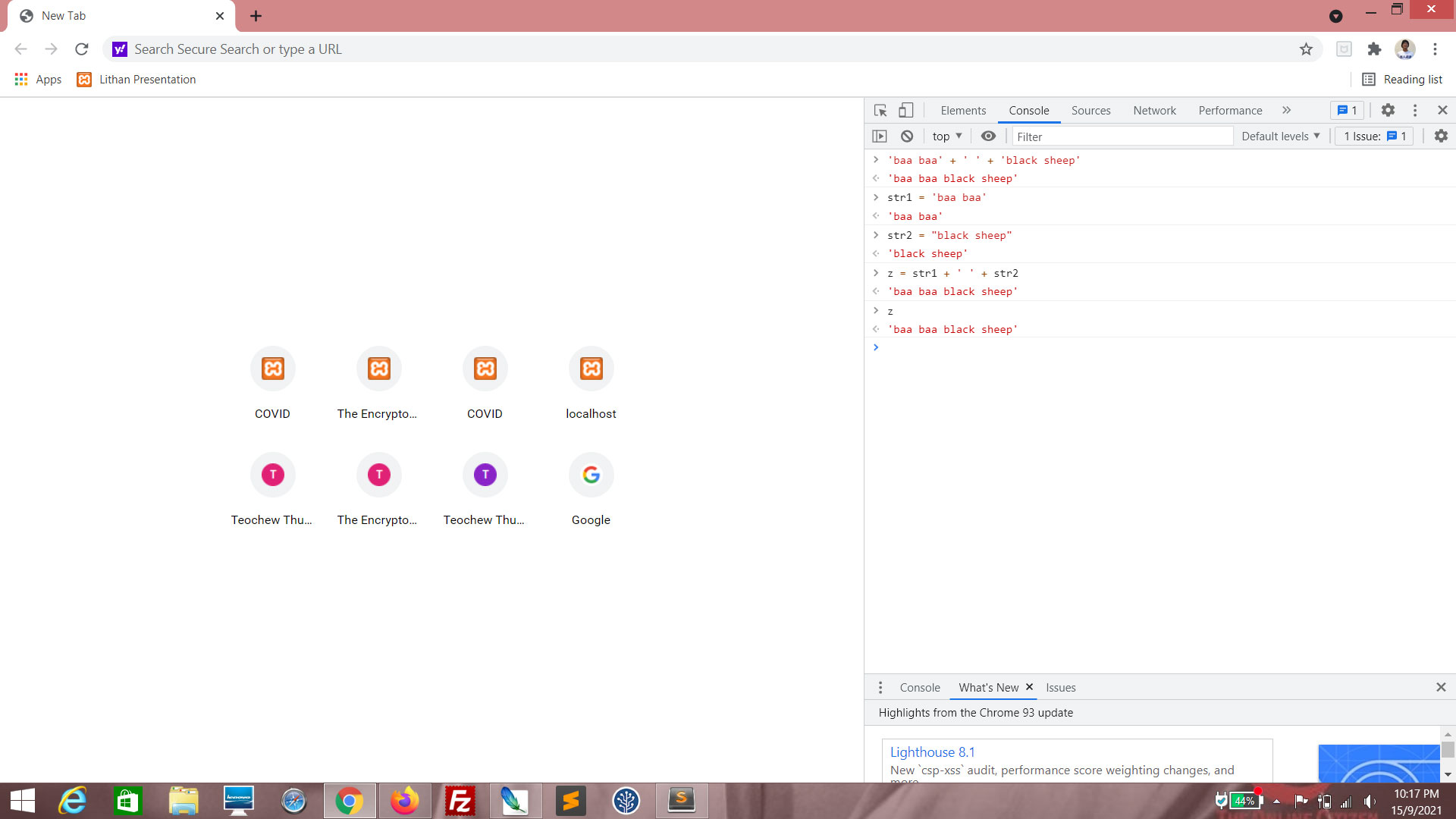
Enter str1 = 'baa baa'.
Enter str2 = "black sheep".
Enter z = str1 + ' ' + str2.
Enter z = str1 + ' ' + str2.
Enter z. You should see that the value of z is now "baa baa black sheep". This is how strings are concatenated.
(Click to enlarge)
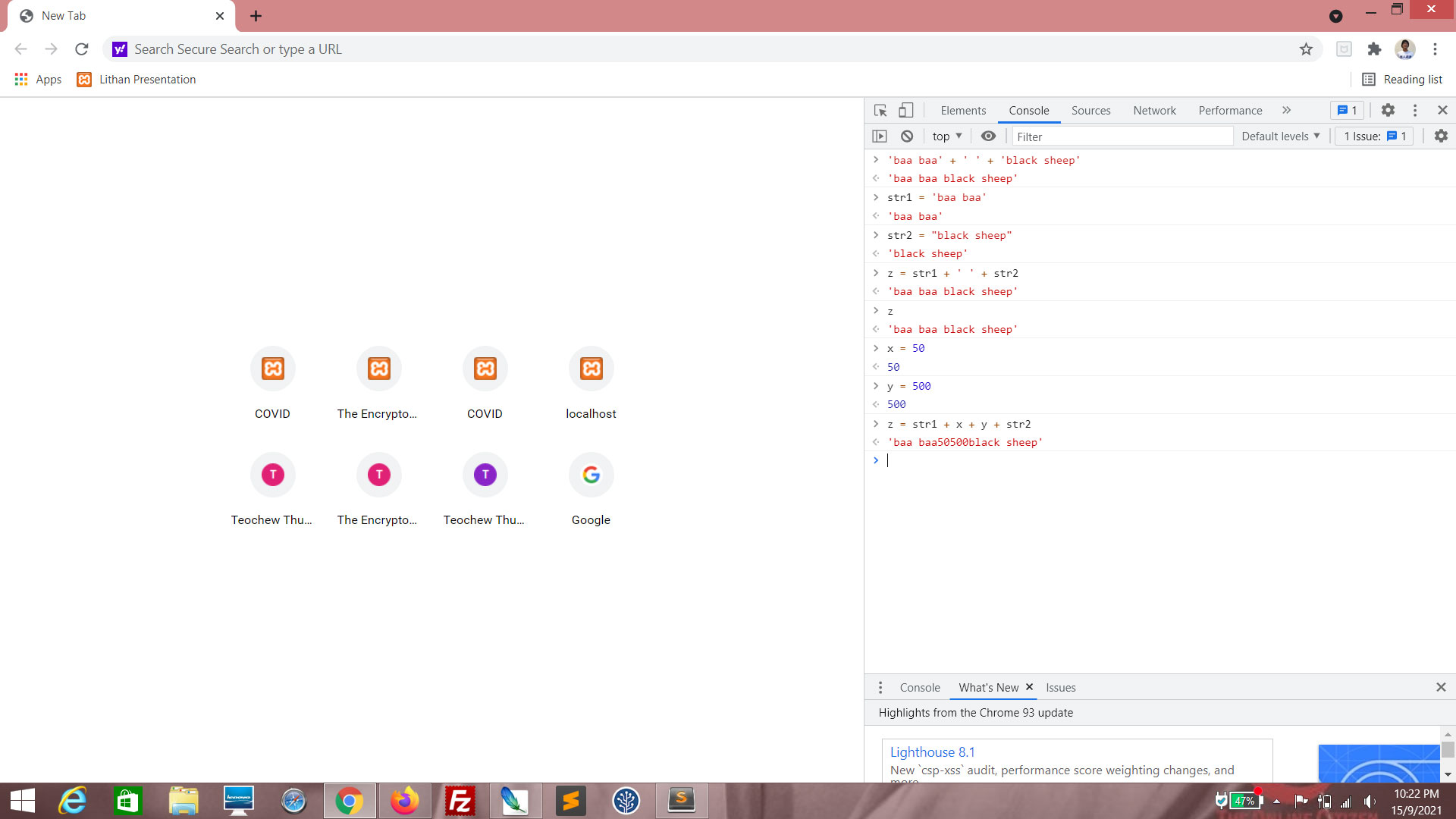
Enter x = 50.
Enter y = 500.
Enter z = str1 + x + y + str2. You can see that the numeric values are forced to become string values when concatenated with strings. This is called "coercion". Therefore the strings "baa baa", "50", "500" and "black sheep" are joined to become "baa baa50500black sheep".
(Click to enlarge)
Enter z = str1 + (x + y) + str2. You can see that the x + y is evaluated first because it is in parentheses. (remember Lesson 1?). So the result for that evaluation is, numerically, 550. However, that number, when concatenated with str1 and str2, gets coerced into string value. Therefore the strings "baa baa", "550" and "black sheep" are joined to become "baa baa550black sheep".
There are several operations that can be performed on strings. The following are merely a few examples.
(Click to enlarge)
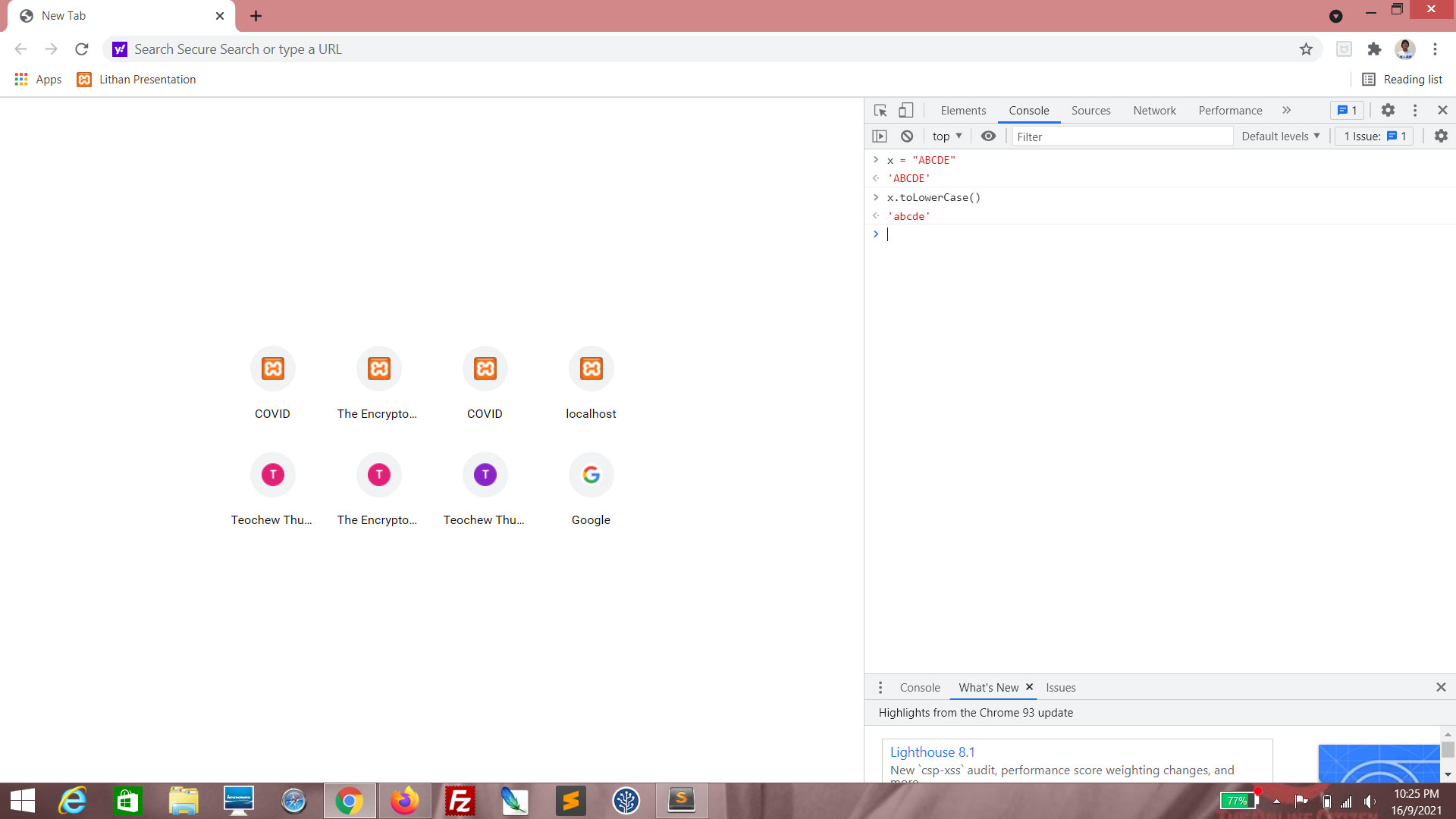
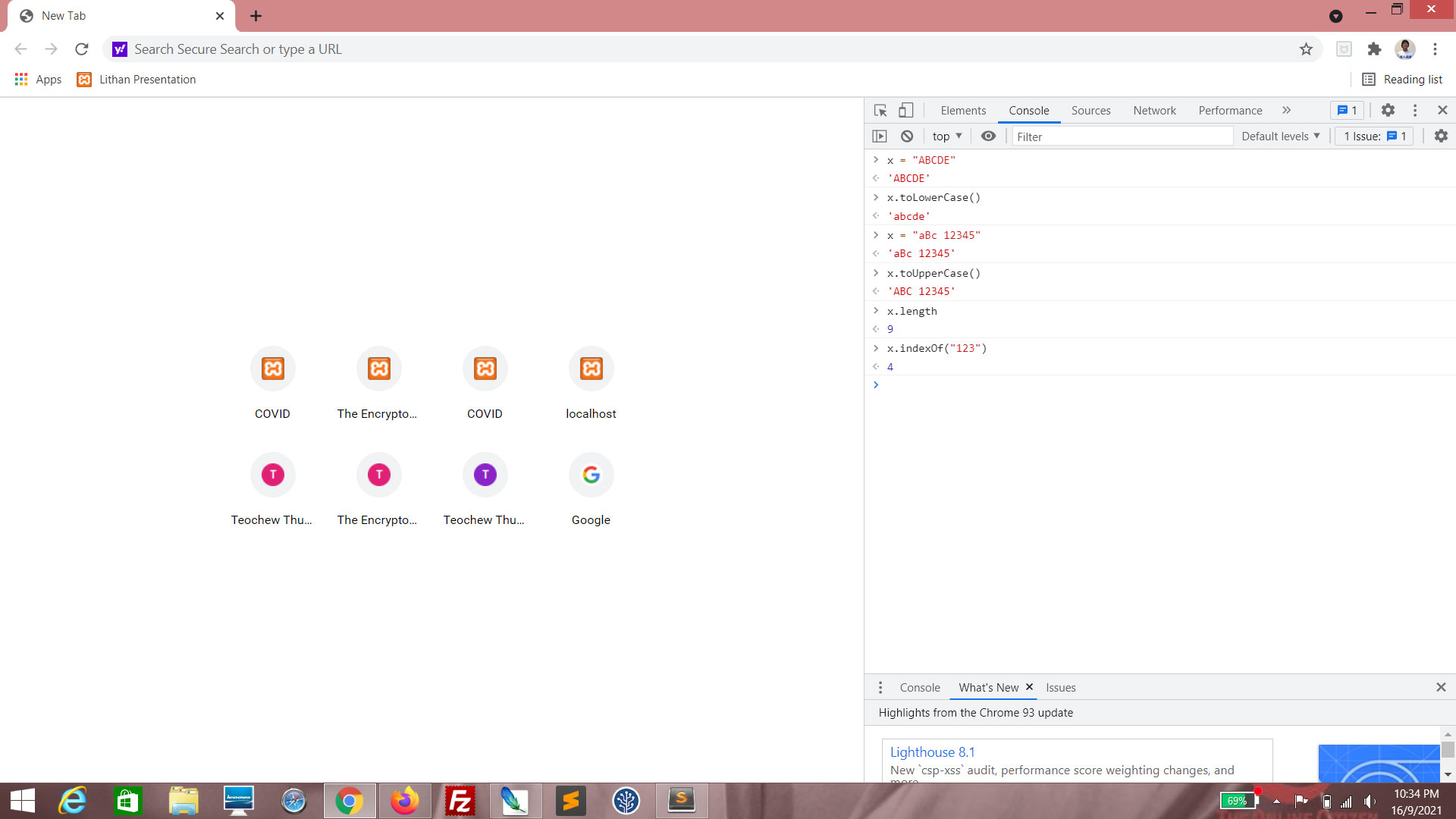
Enter x = "ABCDE".
Enter y = x.toLowerCase(). You should see that all of the string has been converted to lower-case.
(Click to enlarge)
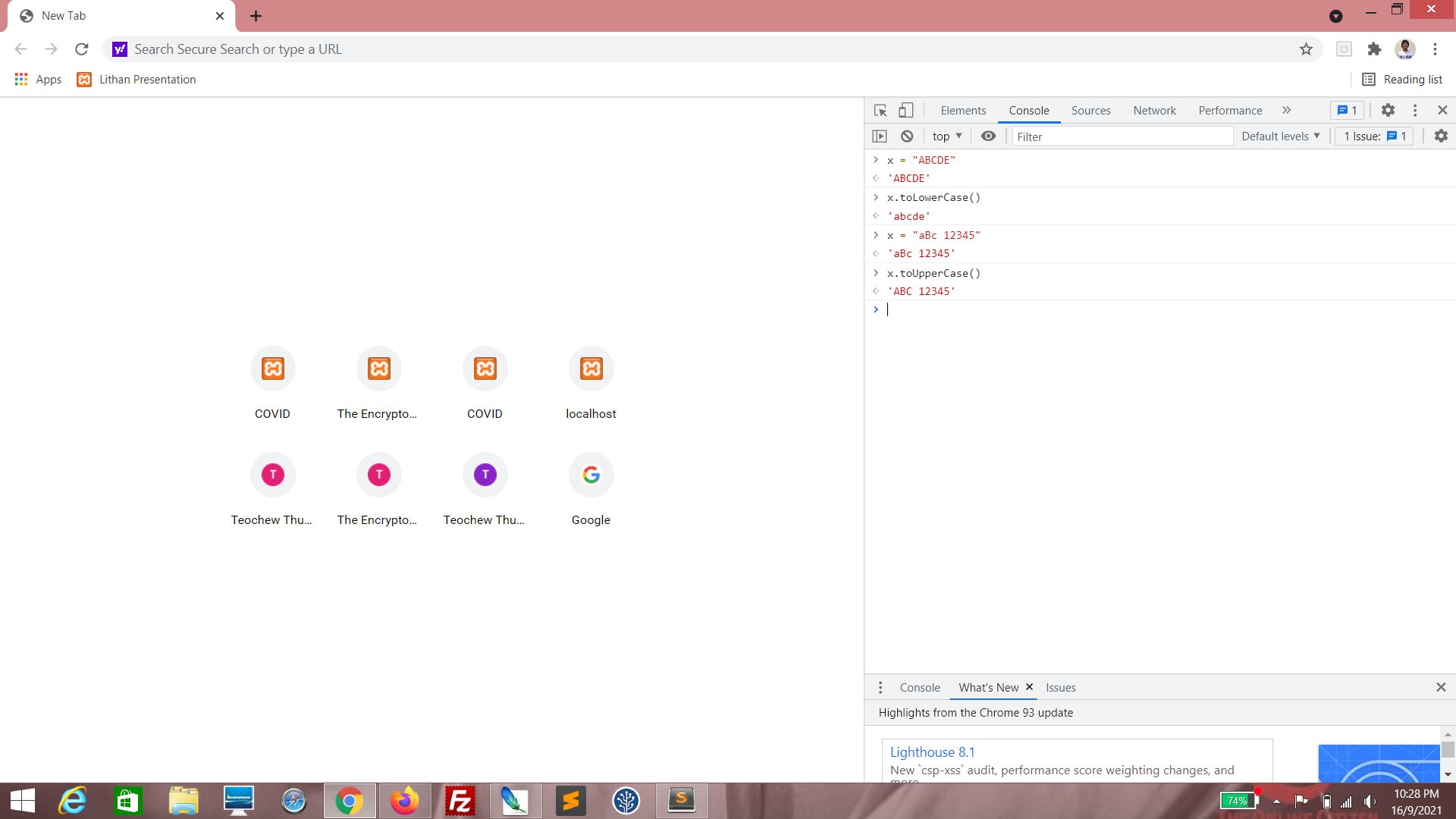
Enter x = "aBc 12345".
Enter y = x.toUpperCase(). You should see that all of the string has been converted to upper-case. Spaces and numbers remain unchanged.
(Click to enlarge)
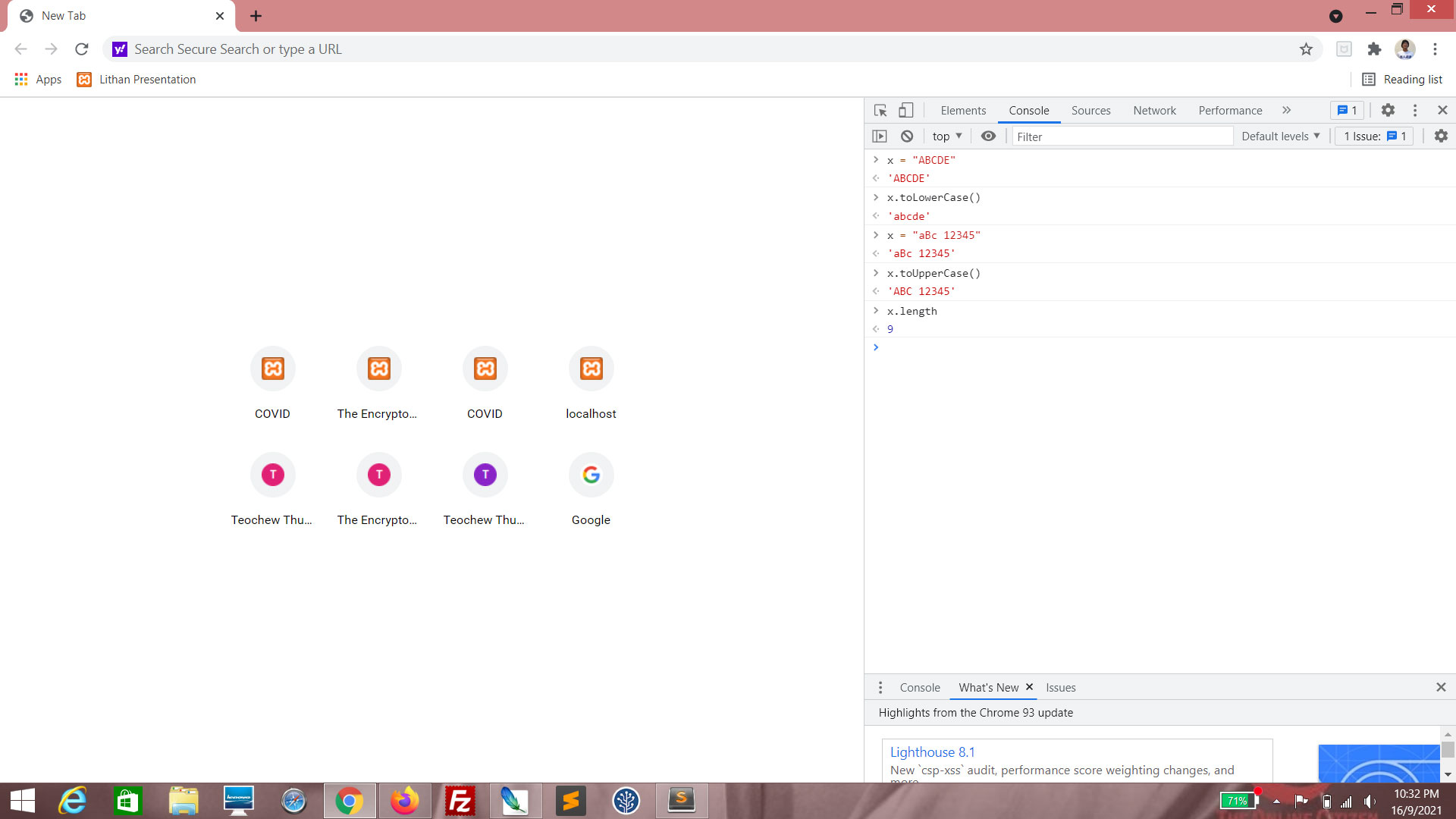
Enter x.length. This will give you the number of characters in x, including spaces.
(Click to enlarge)
Enter x.indexOf("123"). This will give you the position of the string in x.

(Click to enlarge)
Enter x.indexOf("321"). This will give you the value -1, because the string "321" cannot be found in x.
There are several more useful properties and methods for strings, more of which you should discover on your JavaScript learning journey.
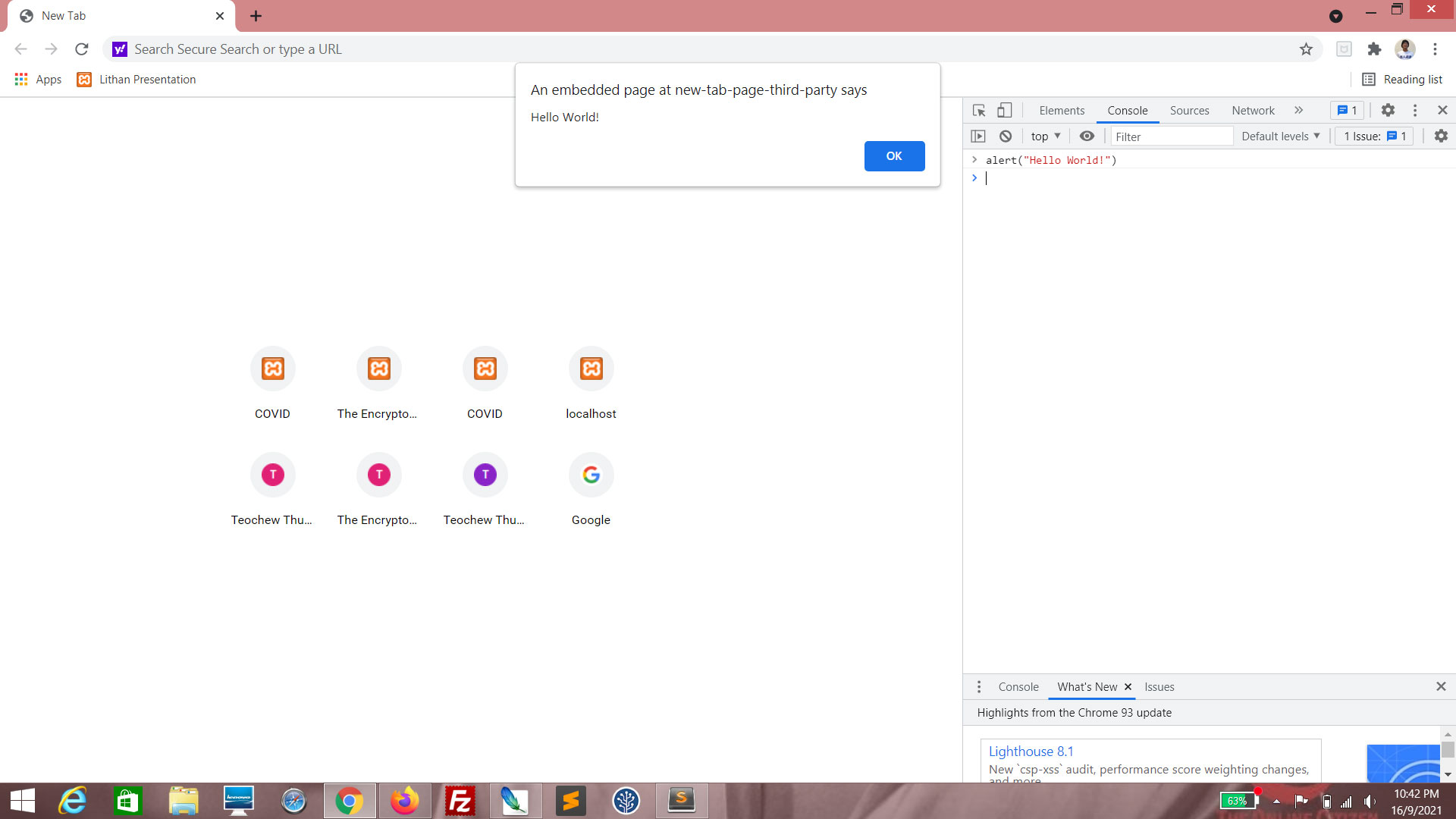
The alert() function is used to halt all execution of a script and pop up a message.
(Click to enlarge)
Enter alert("Hello World!"). This will give you a pop-up box with the text "Hello World!", which will close when you click "OK".
(Click to enlarge)
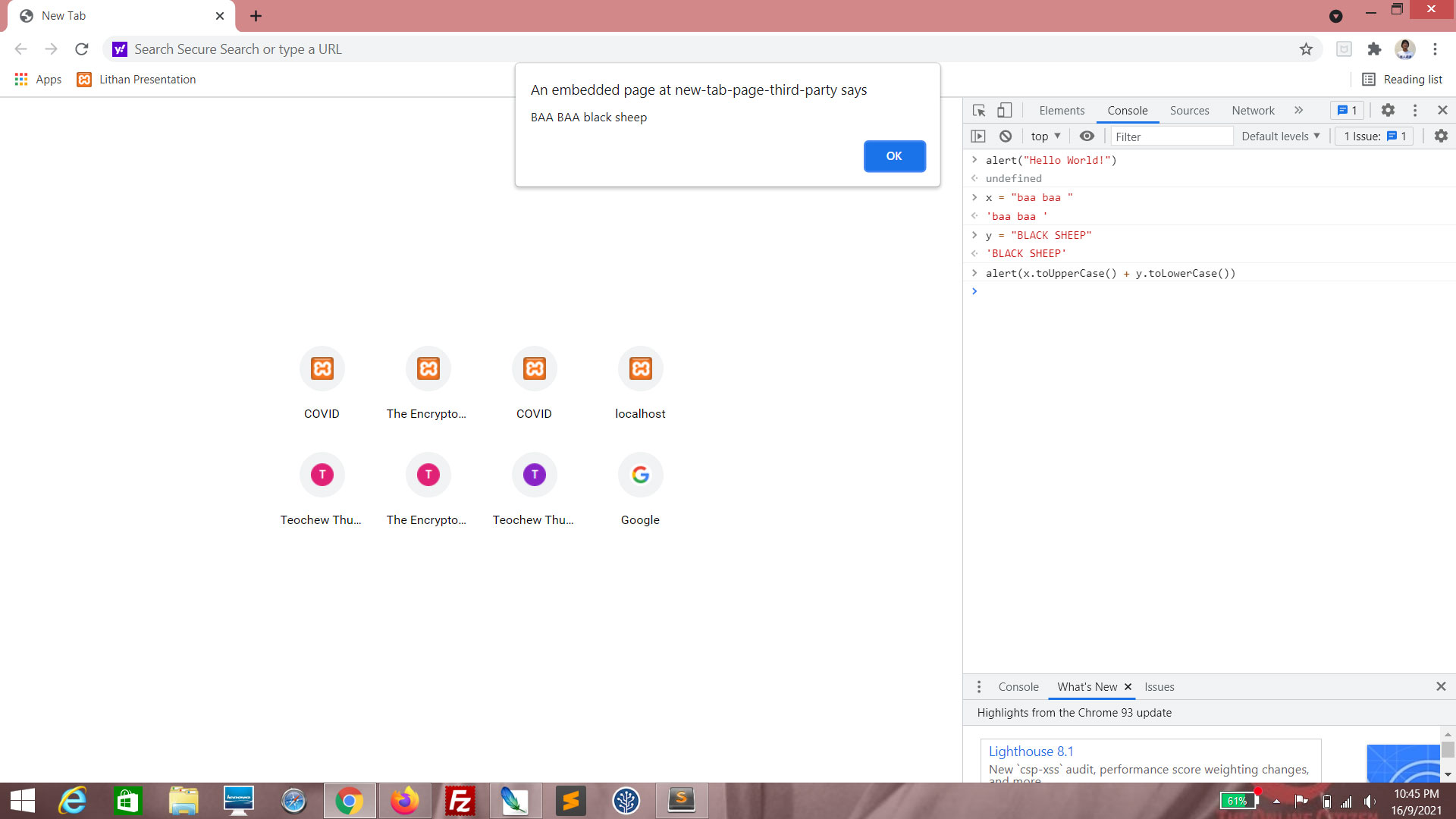
Enter x = "baa baa ".
Enter y = "BLACK SHEEP".
Enter alert(x.toUpperCase() + y.toLowerCase()). From the result, you can see that it is possible to do concatenation and string methods right in the alert() function itself.
Take the TTL Lesson 2 Quiz

